Let the customers order via WhatsApp easier
Additionally, you can set up a pre-typed message to make it easier for your customers to start the chat. It also includes the product name and product page URL. This helps you easily get an idea about where they are and what they need.
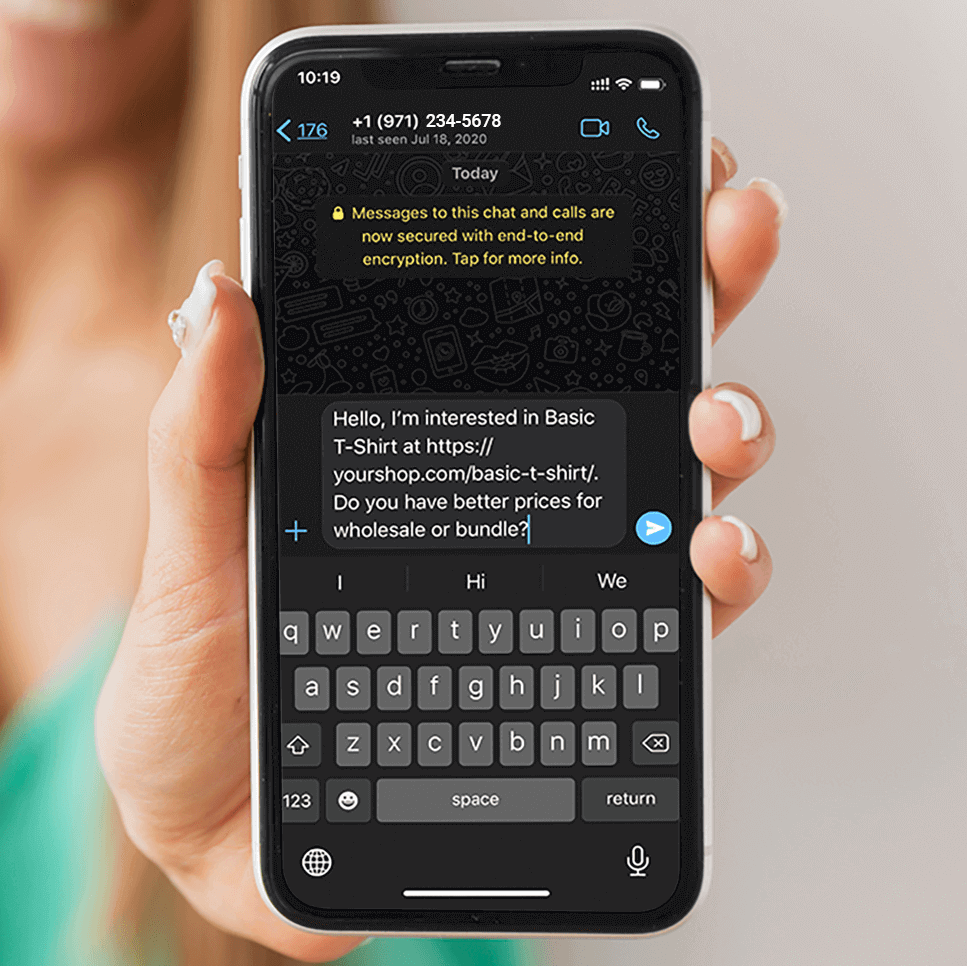
This means when the person clicks from a certain product page, the name of the product from which he clicked on the chat appears. Also, product name and URL of the page changes dynamically.
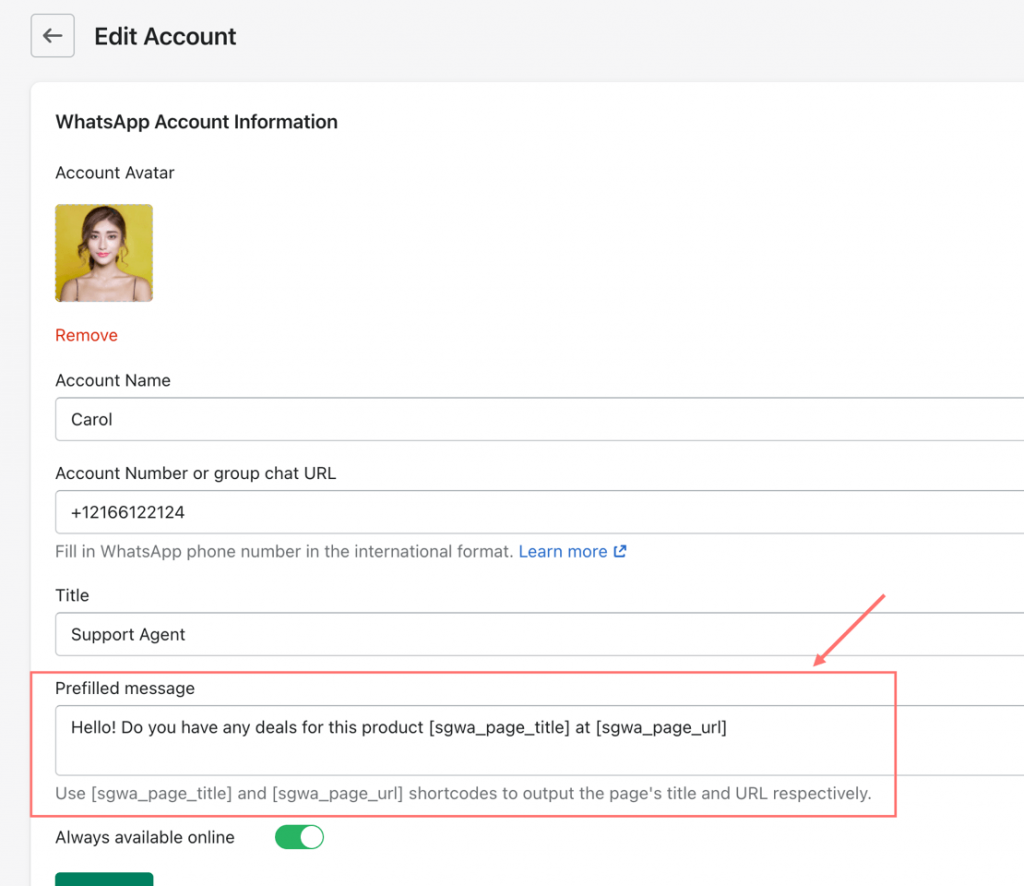
To set this up, please go to Accounts > Edit Account > Prefilled message. In this field, you can use:
- Plain text: Show a greeting message such as “Hello! Do you have any deals for this product” or “Hi, I would like some more information on this watch” and so on.
- Shortcode:
- [sgwa_page_title] – this one can be used to dynamically show the current product name or store page title.
- [sgwa_page_url] – this one can be used to dynamically show the product or collection page URL where the customer starts the chat.
Note:
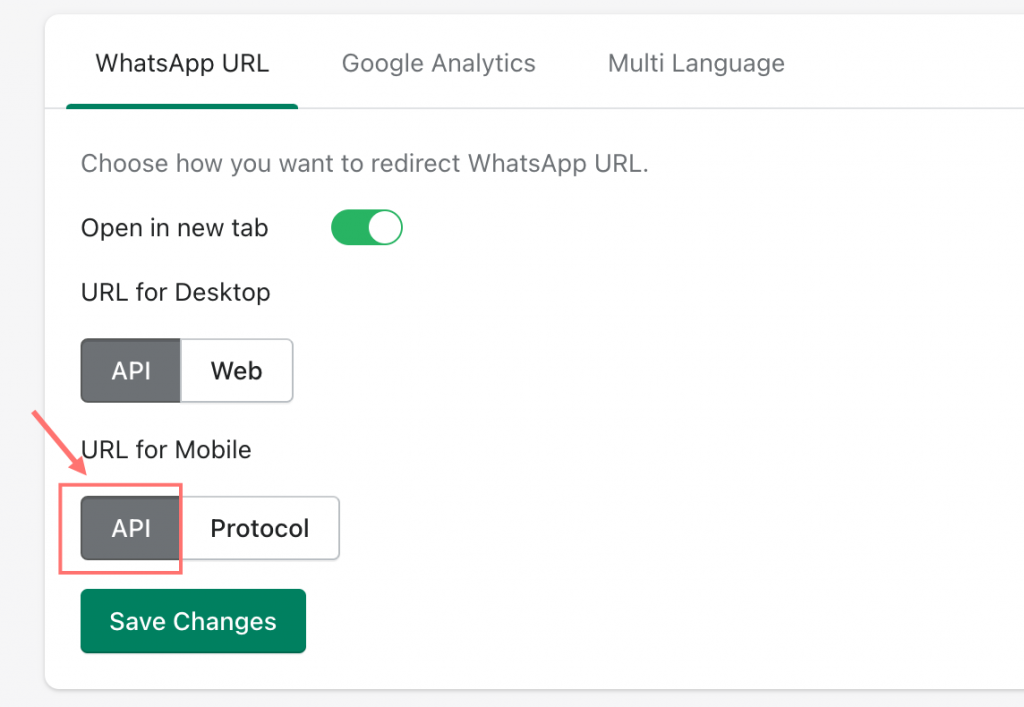
To make Prefilled message work properly, please make sure you have set URL for Mobile as API in WhatsApp URL settings.