Online Store 2.0 Themes (New User Guide)
Online Store 2.0 themes provide the flexibility to build your store pages in a block-based customizer. If you’re using a 2.0 theme, this new user guide is for you.
1. Add member(s)
Firstly, please start by adding an account to the widget box. You can also add multiple members if you wish to display them all at once.
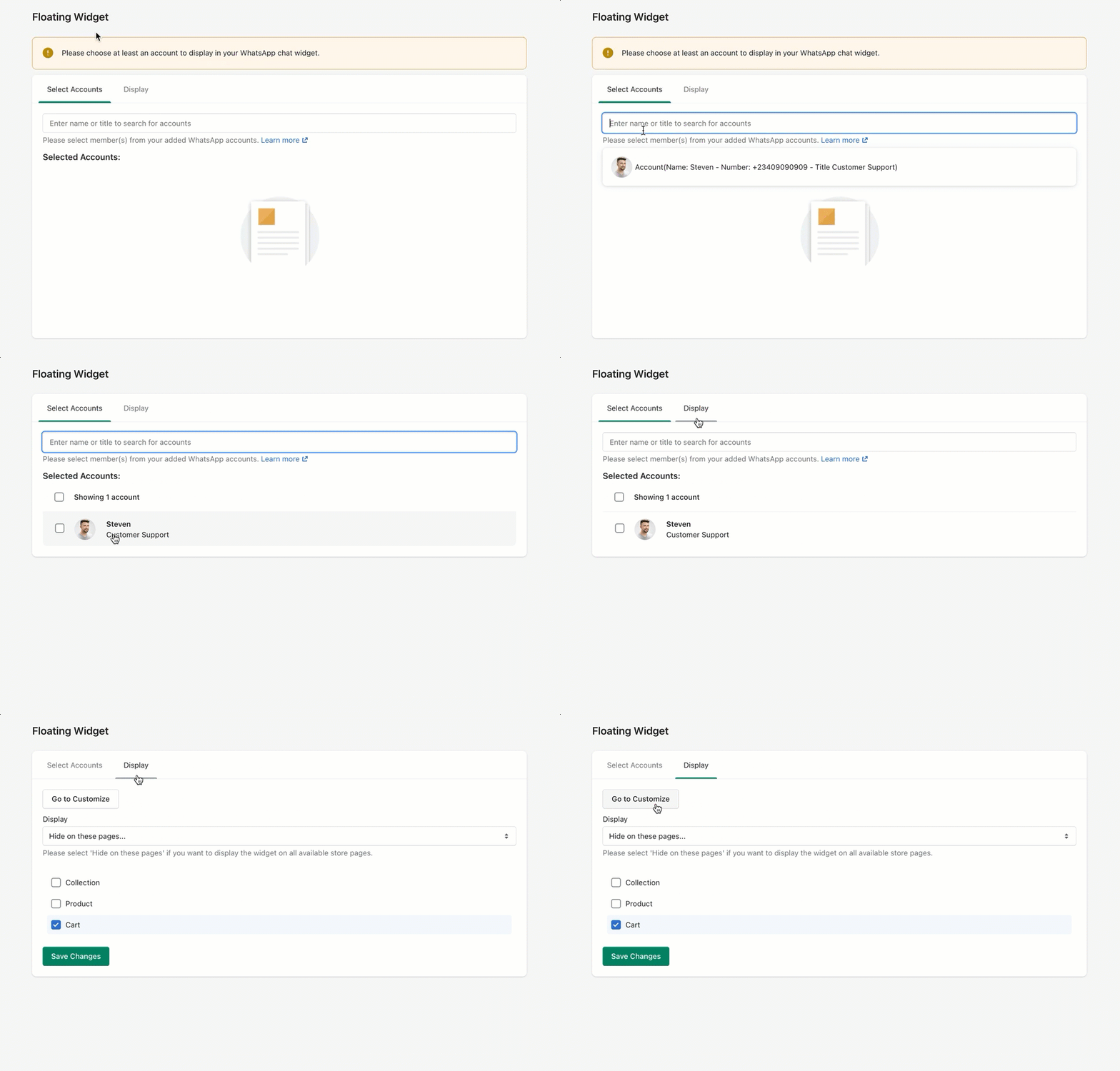
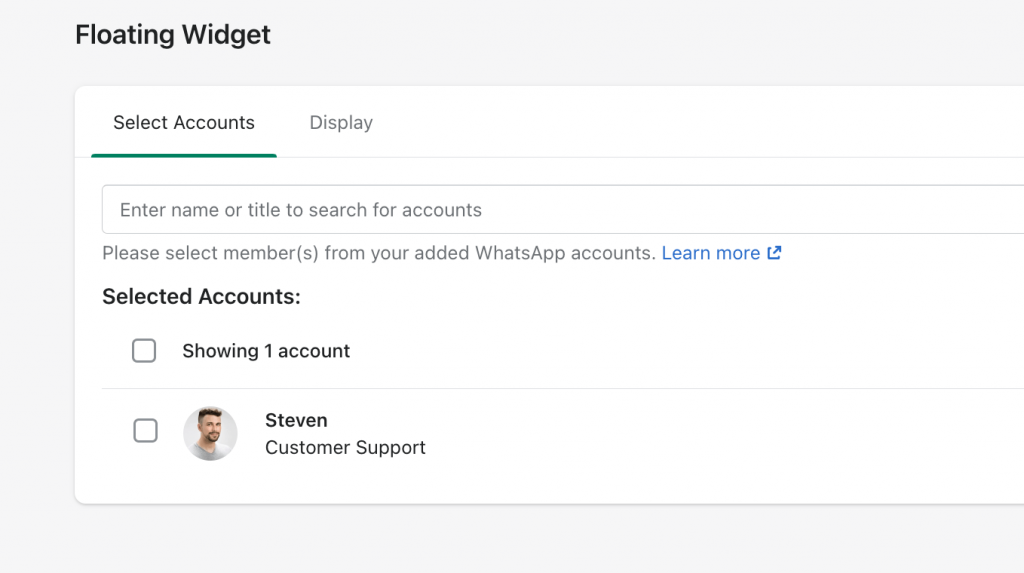
Once selected, your WhatsApp support member would look like this.
2. Enable app embed
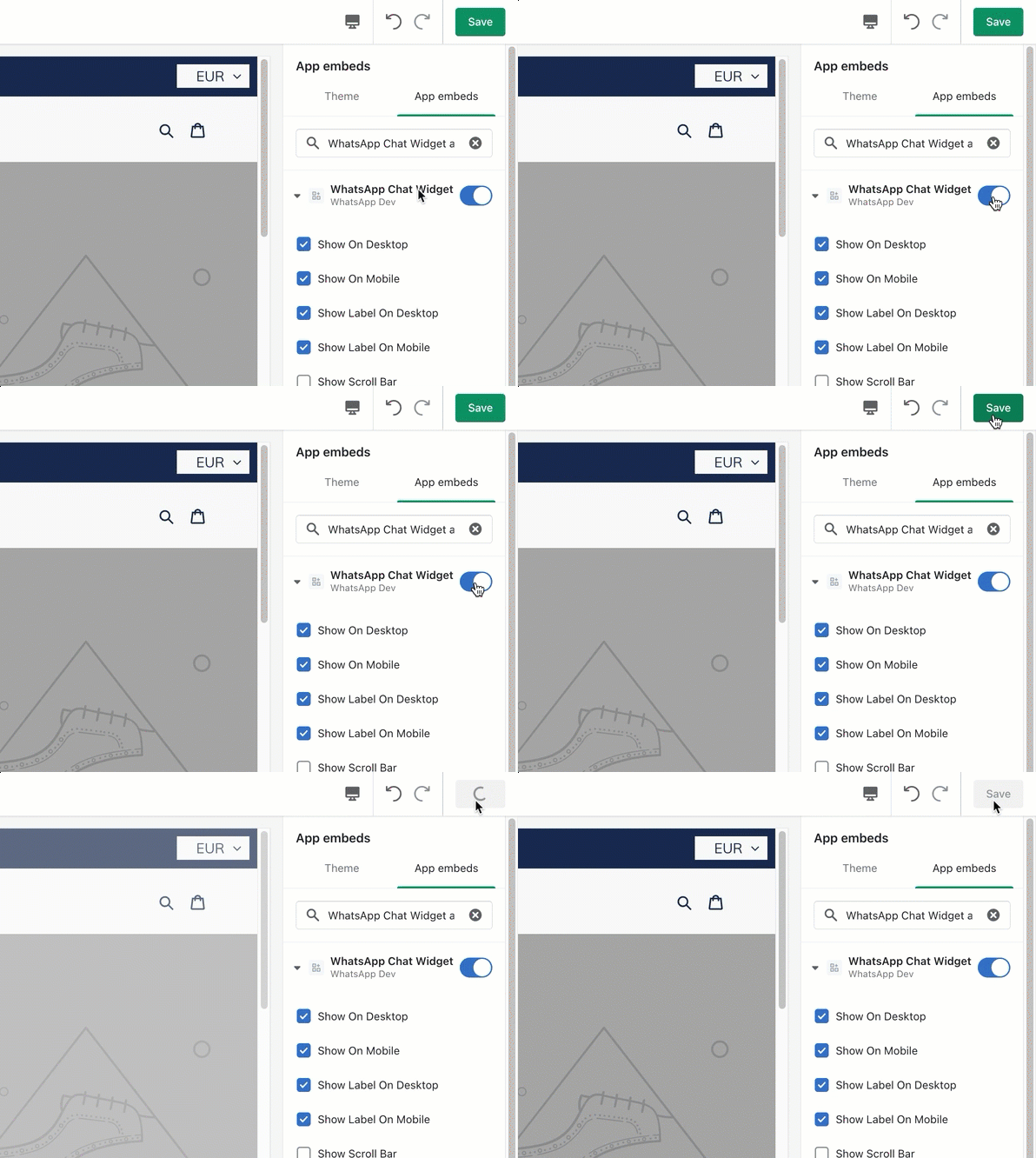
Secondly, in your theme’s Customize, look for App embeds and enable WhatsApp Chat Widget.
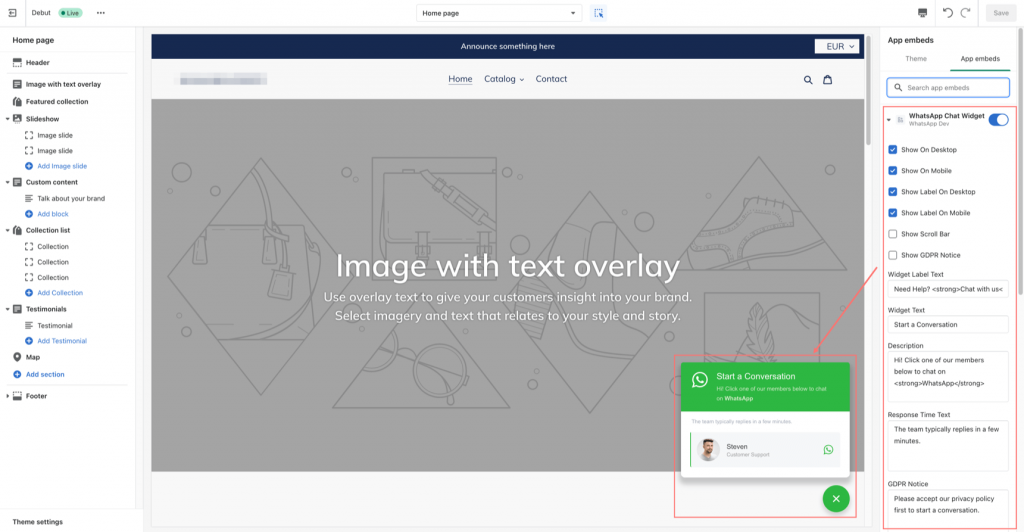
Once the app embed is enabled and expanded, you will see its customizable settings and preview the changes in your theme customizer.
3. Show/hide WhatsApp widget on specific pages
Optionally, you can adjust the visibility of the WhatsApp chat box in the Display options.
For instance, if you want to display it on all pages except for cart page, you can set it up as shown below.
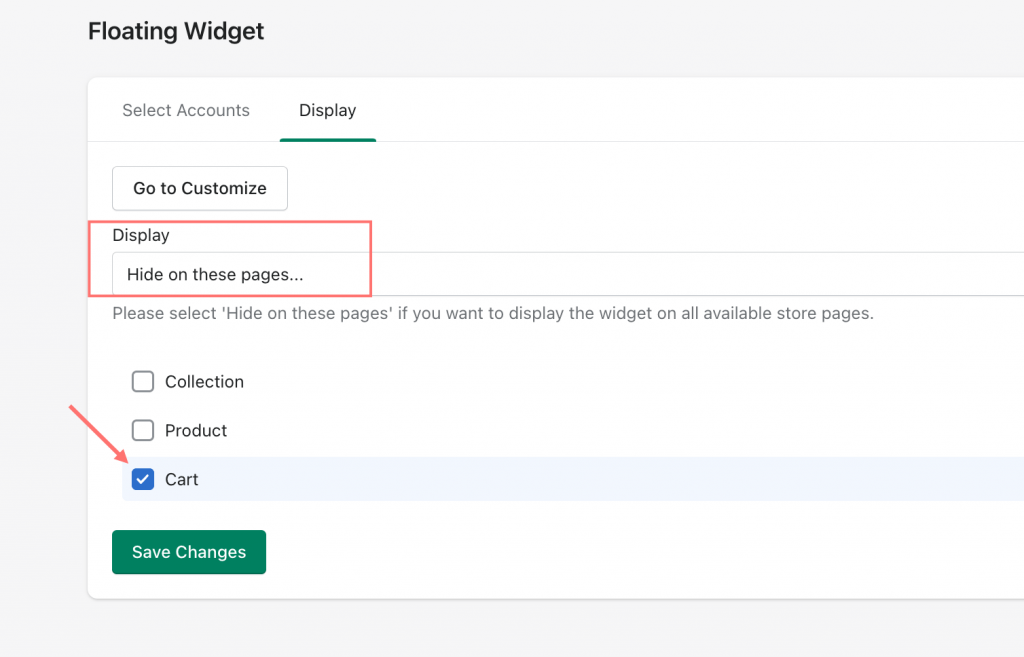
Then just click Save changes and there you go.