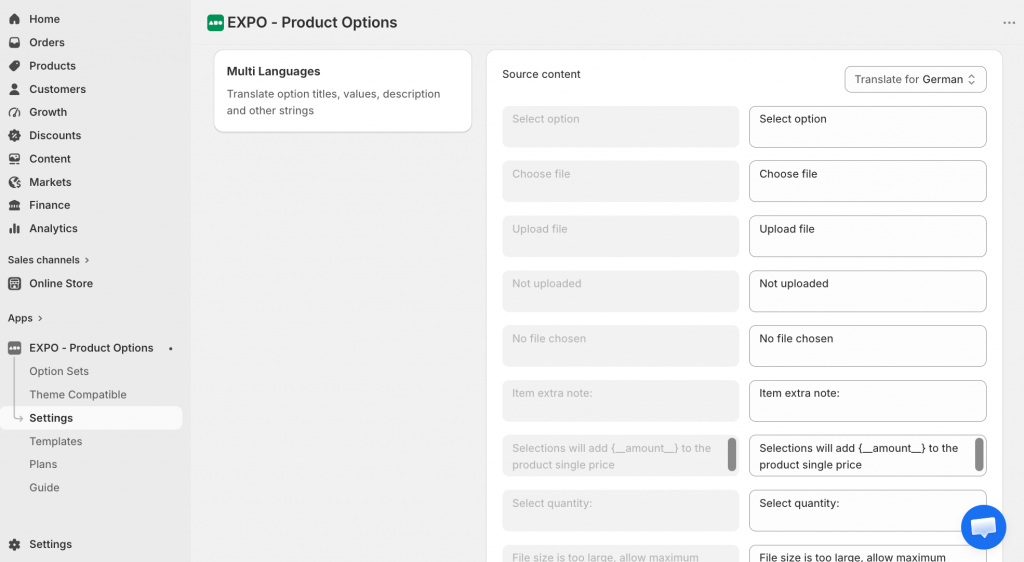
How to add your translations for each and every string you’ve created with EXPO app.
First, navigate to the Languages settings and add the languages that you would like to include in your store.
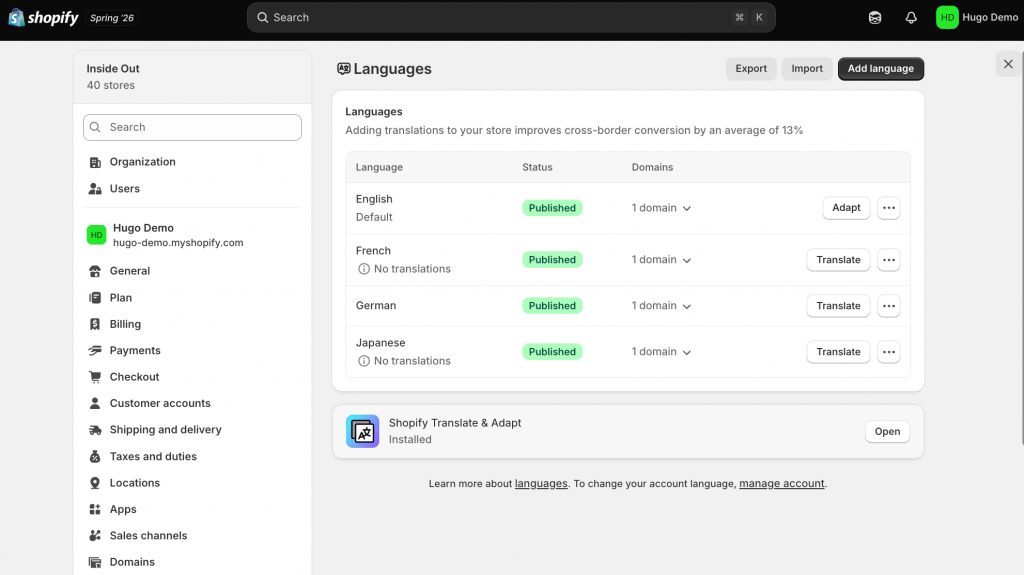
After adding the languages, please navigate to the Translate button to start translating your store into other languages. This process might take some time if your store has a large amount of data.
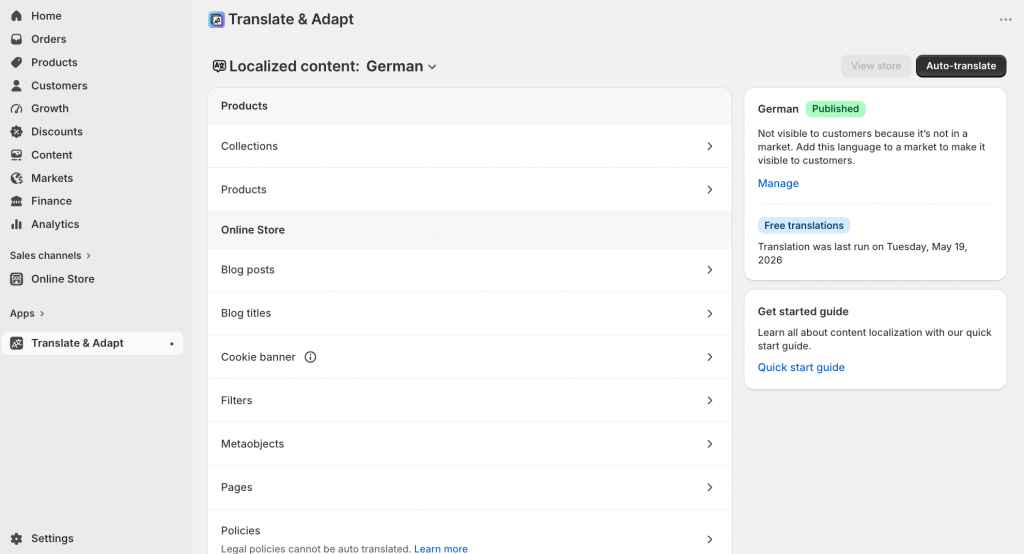
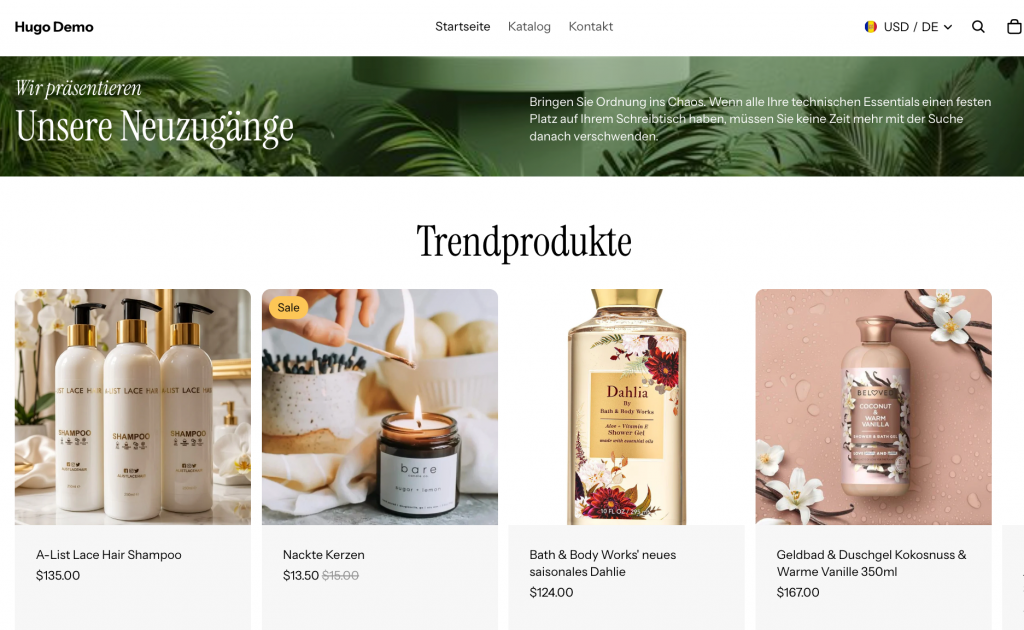
Then, publish the added languages to make them visible in your store.
Go to the EXPO app setting and start translating the text into your preferred languages. That’s it.