EXPO’s Font Picker element lets Shopify store owners upload custom fonts and allow customers to choose a font for their personalized products.
How to Set Up the Font Picker in EXPO
On your Shopify Admin, head over to EXPO, open the Option Dashboard, and select the Font Picker element.
The Font Picker lets you upload custom font files and display font names clearly for customers to select from.
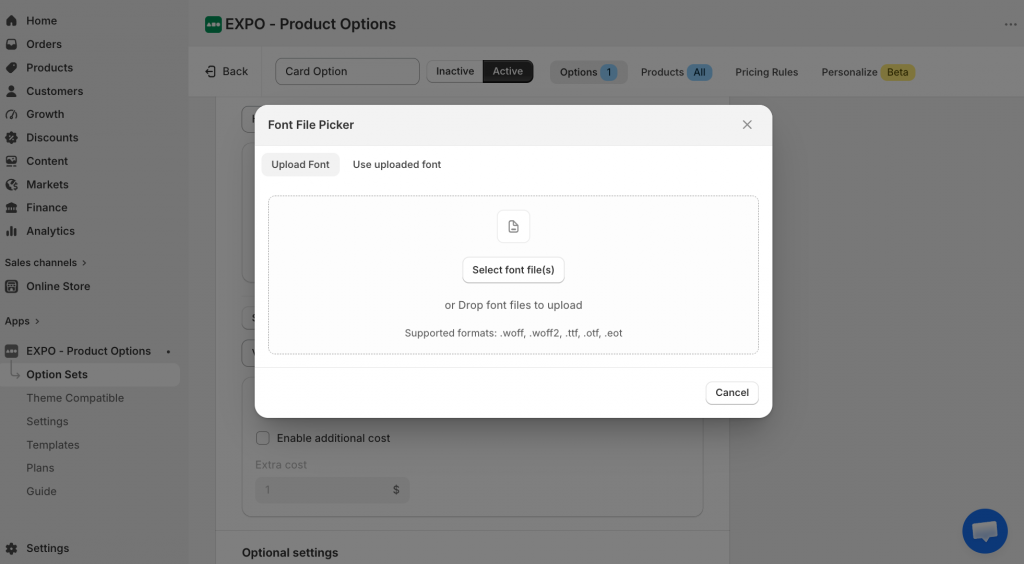
You can upload multiple font files at once. If implementing a specific font requires extra effort (such as licensing or engraving setup), you can also add an extra cost per font value.
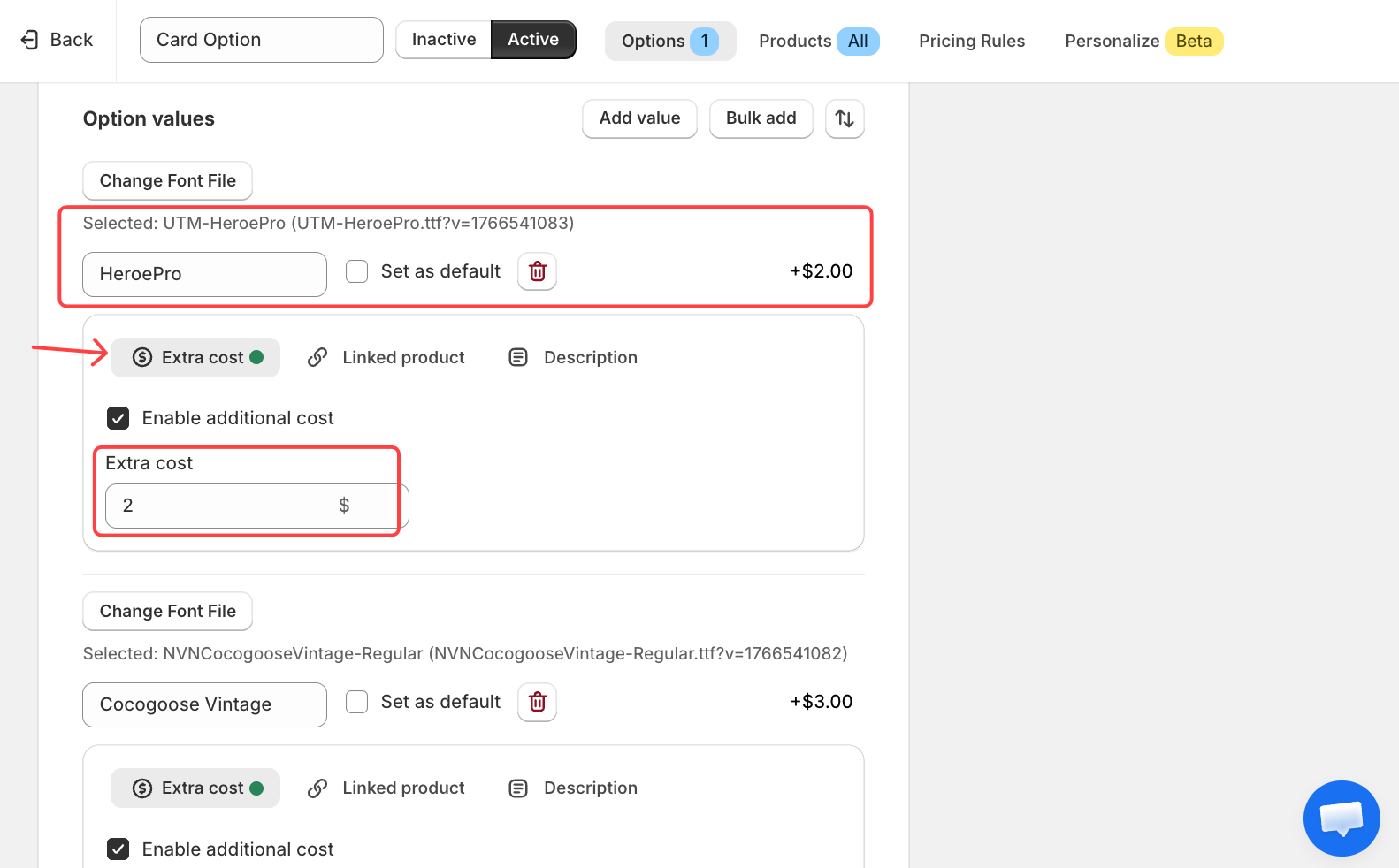
Save your settings. Customers will now be able to select from your uploaded fonts on the product page.
Advanced Settings
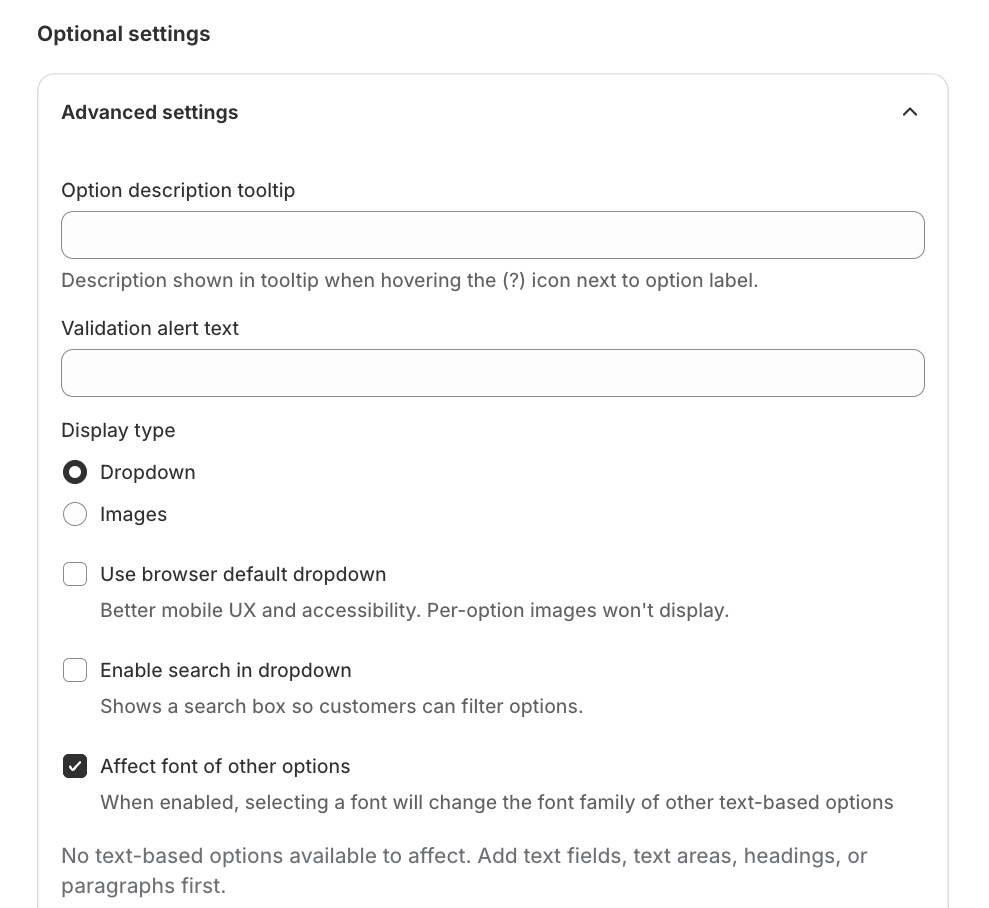
In the Advanced Settings, you can:
- Choose the display type: Dropdown or Image
- Make the selected font affect other options (e.g., a live text preview)
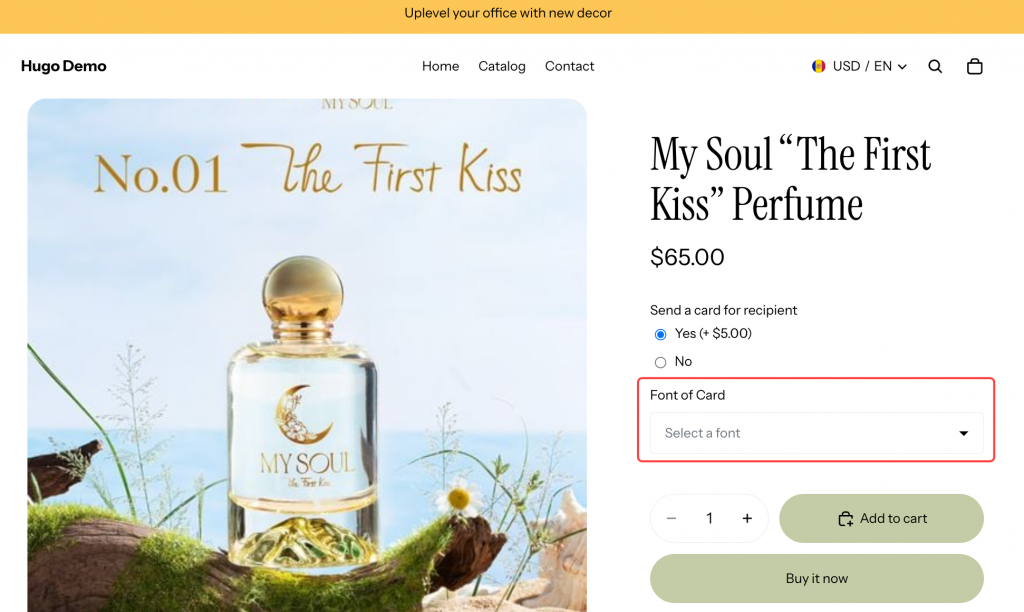
Here’s how the Font Picker looks to customers on the storefront:
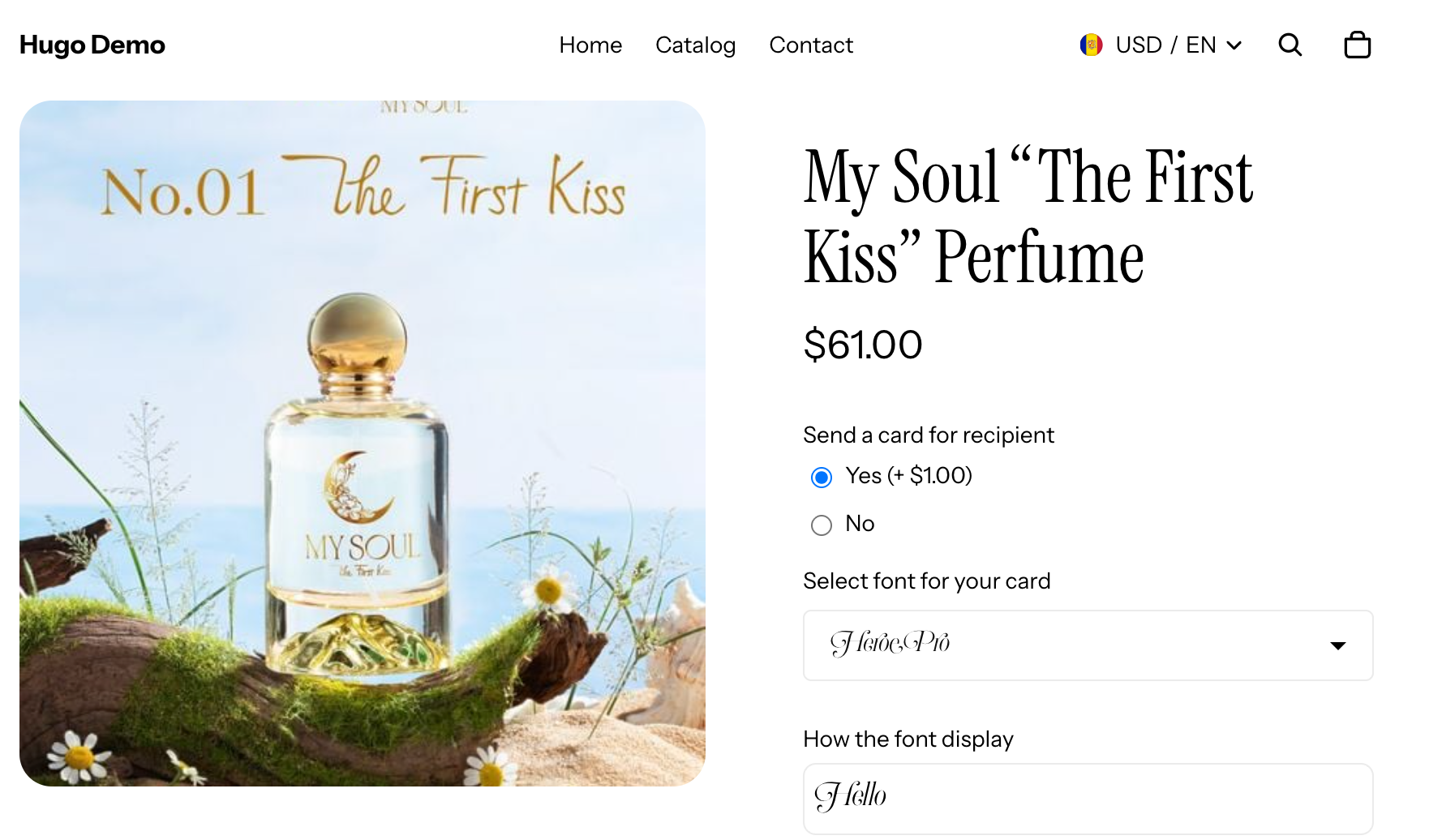
Customers can browse and select from the available font styles directly on the product page – perfect for personalized engravings, custom prints, or any product where typography matters.
When you’re done with these options, let’s check the section to encourage the customers to checkout with your store: Date picker