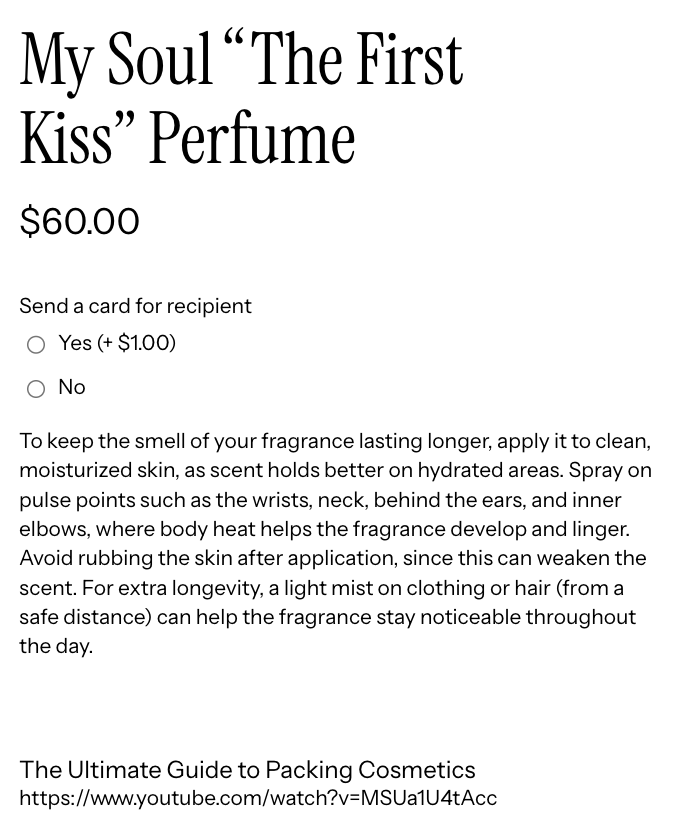
EXPO’s Paragraph and HTML elements let you add formatted text content directly to your product option layout – ideal for displaying instructions, care notes, styled descriptions, or any rich content alongside your product options.
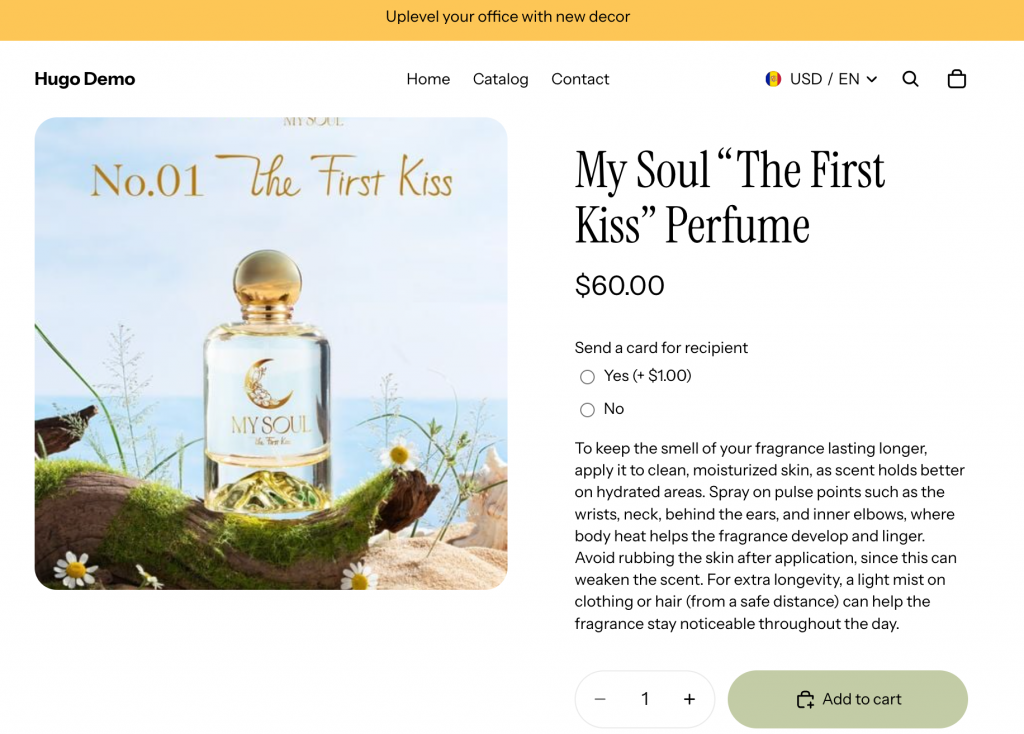
How to Set Up Paragraph & HTML in EXPO
On your Shopify Admin, head over to EXPO, open the Option Dashboard, and select the Paragraph/HTML element.
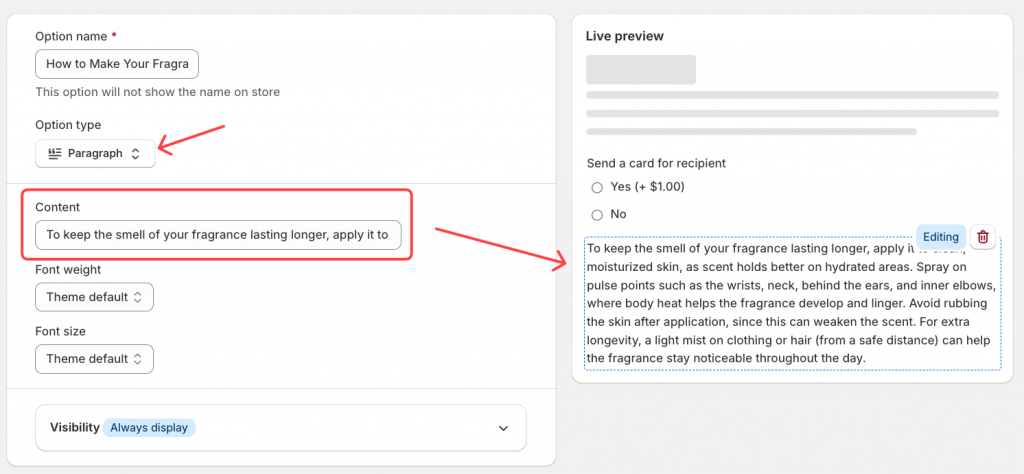
Paragraph
The Paragraph element lets you add plain or lightly formatted text to your option layout. Use it to display care instructions, personalization notes, or any content customers need to read before making a selection.
HTML
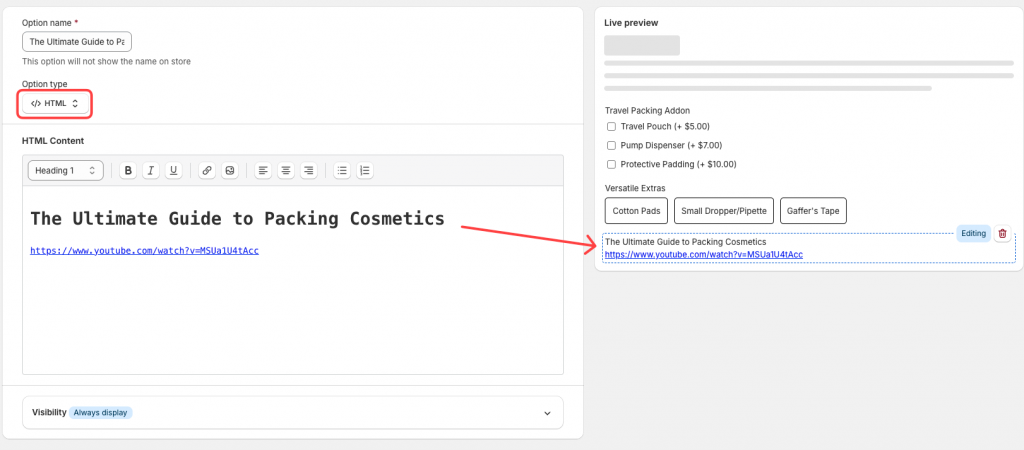
The HTML element gives you full control over the content’s appearance. You can use headings, icons, highlights, tables, or any valid HTML to create a polished, professional display.
Once you’ve configured your content, save the changes and preview on the storefront.
The content appears cleanly within the product option section, keeping the page organized and professional.