EXPO now introduces three powerful new elements – Font Picker, Paragraph, and HTML – giving Shopify store owners more control over how products are presented and customized.

With these elements, you can:
- Upload and manage custom fonts
- Let customers choose fonts for personalized products
- Display rich text, instructions, or styled content directly on the product page
All without touching your theme code.
Let’s see, on our Shopify personalized product page, customers can now:
- Choose a font style from a font picker to be engraved on a candle
- Read clear instructions for preserving scented candles or notes styled with headings, icons, or highlights
- See a clean, well-organized customization section
Everything feels professional, intuitive, and designed for conversion.
How to Set Up These Elements in EXPO
On your Shopify Admin, head over to EXPO, then open the Option Dashboard, and select the element.
Font Picker
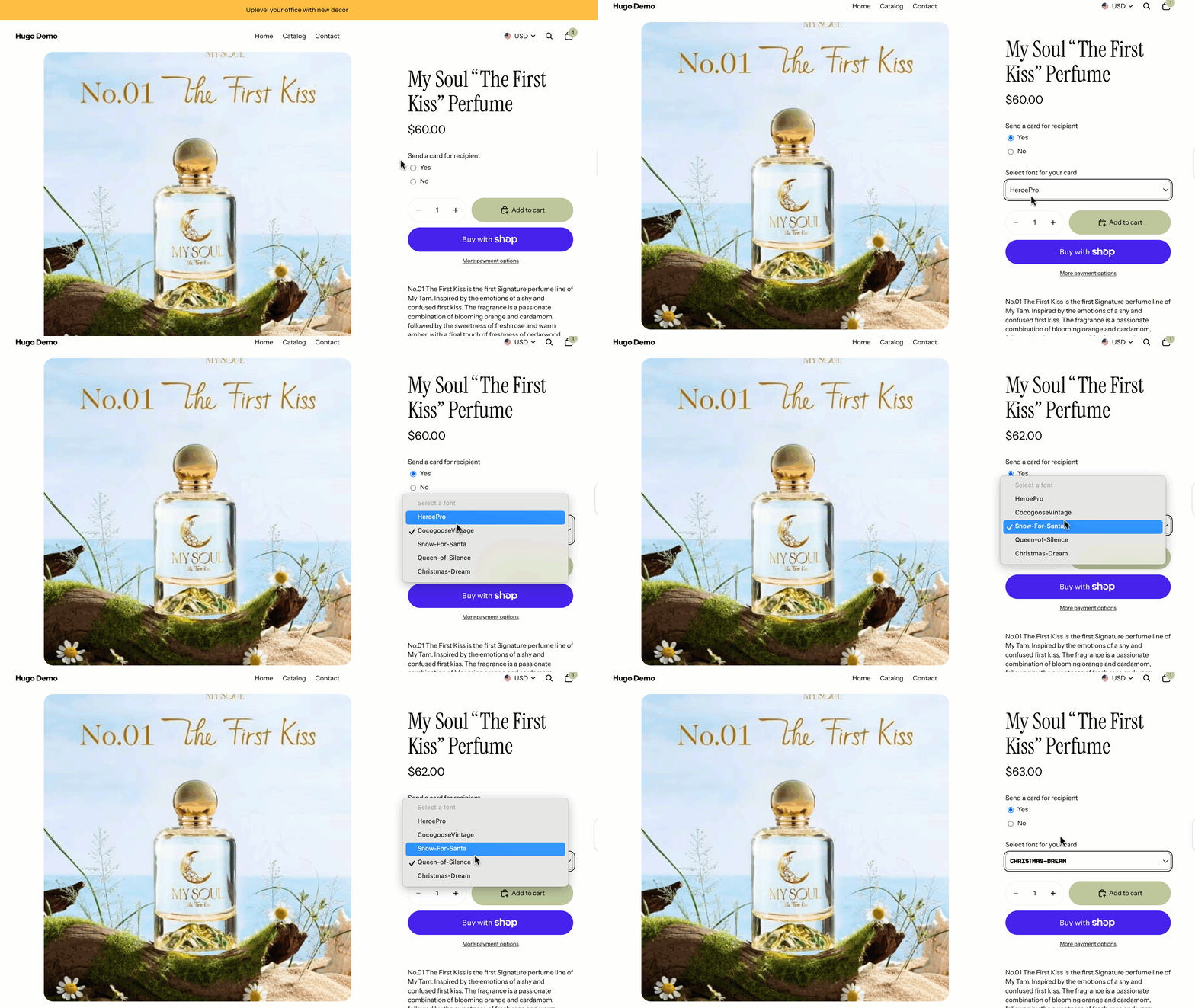
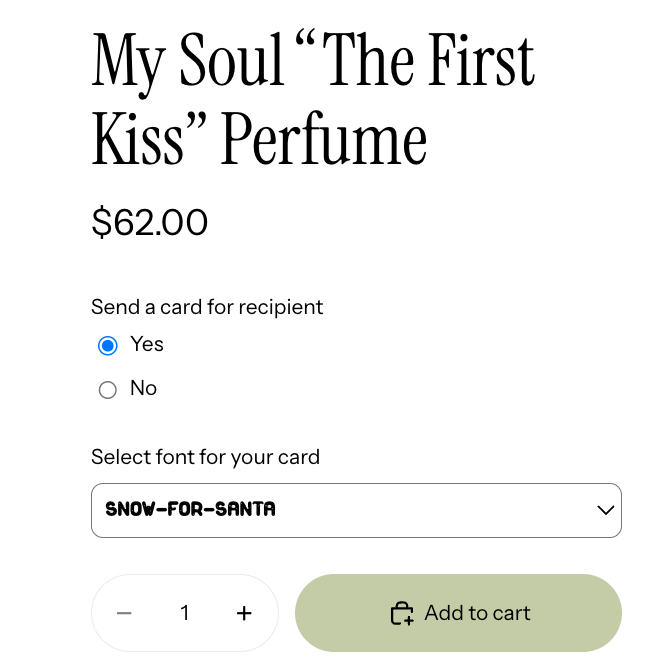
The Font Picker lets you upload custom fonts and allows customers to select which font they want applied to their personalized text.
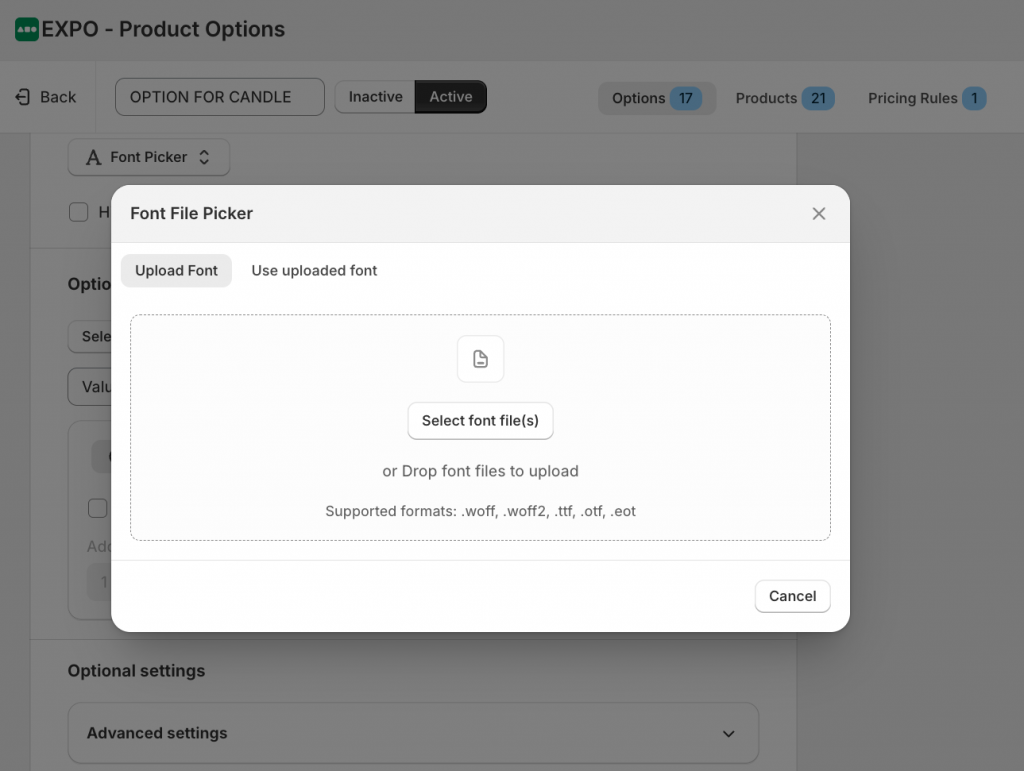
Shopify owners can upload multiple font files and display font names clearly for selection. You can add the extra cost if implementing it requires a lot of effort.
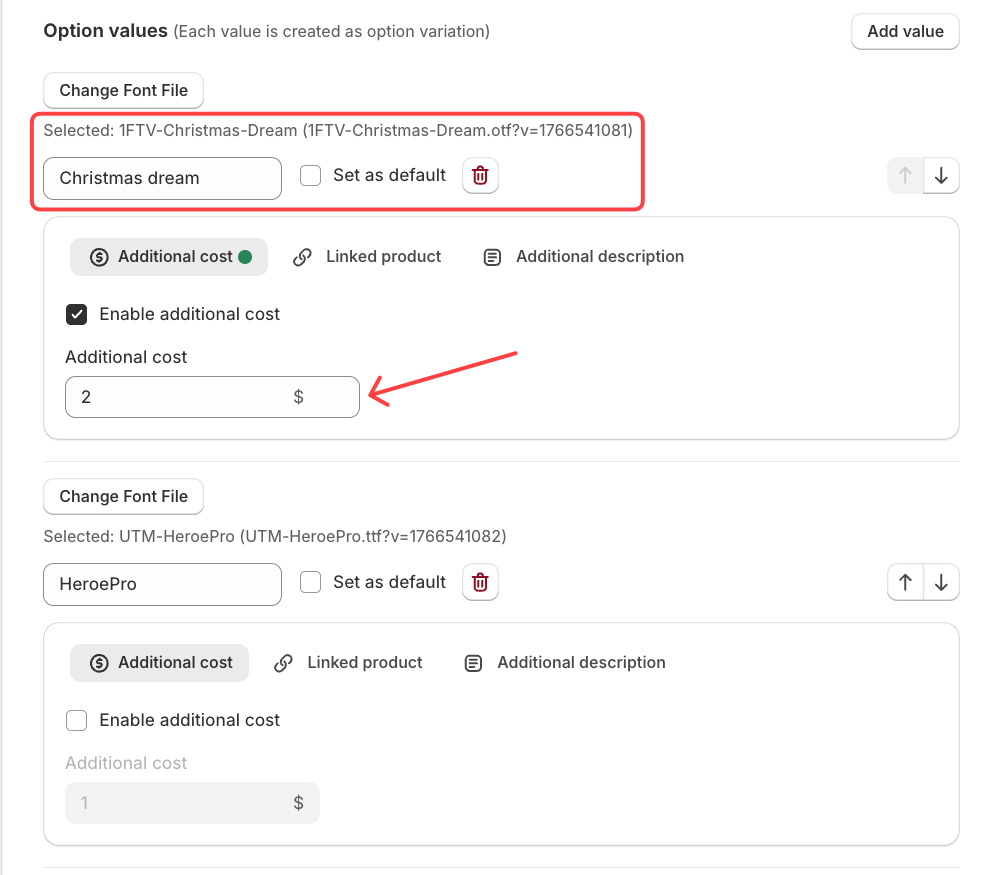
Save your settings. Now, customers will be able to select from these fonts.
A bonus tip: In the advanced setting, you can choose the display type as Dropdown or Image, and make the font affect other options.
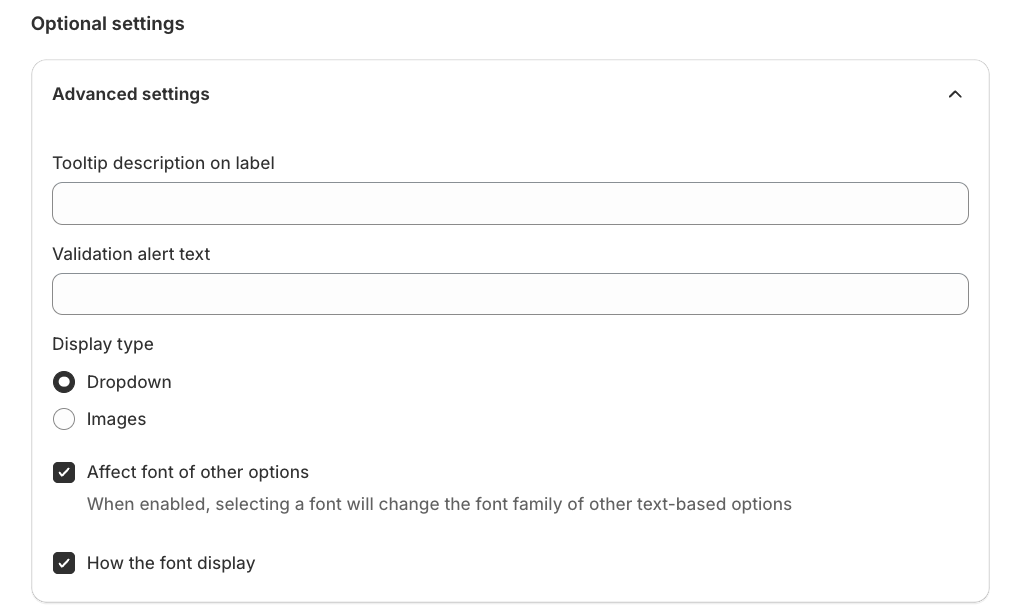
Let’s check the front-end!
Paragraph/HTML
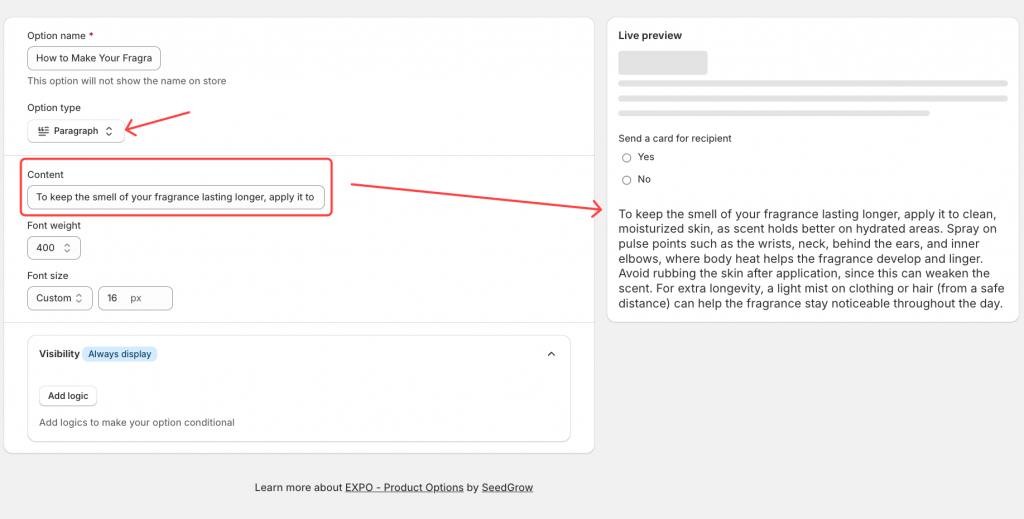
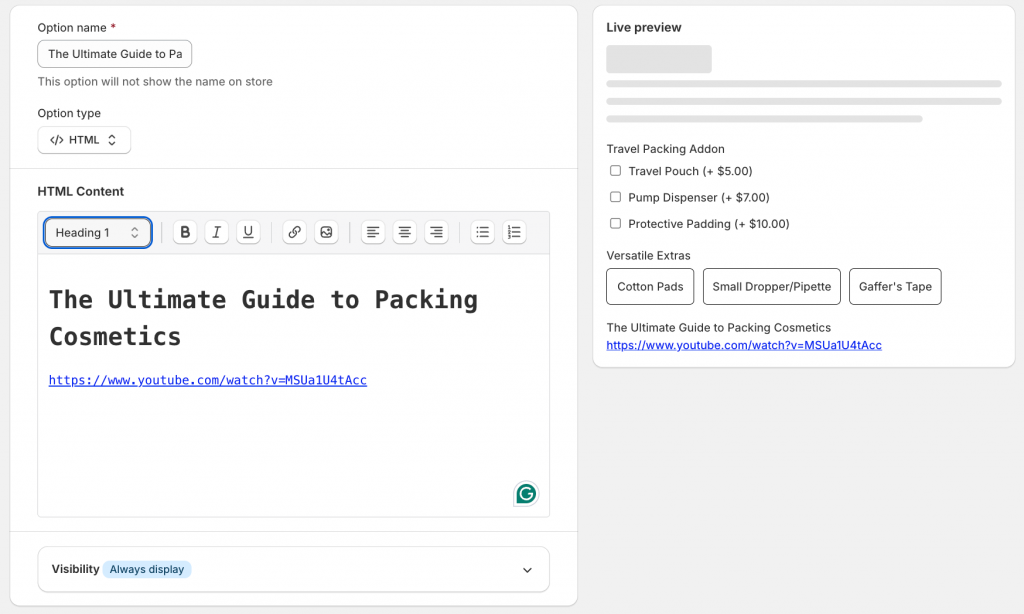
The Paragraph/HTML element allows you to add formatted text content to your option layout. Similar to the other options, just select the Paragraph/HTML element and adjust your content to display.
- How does the paragraph display?
- How does the HTML display?
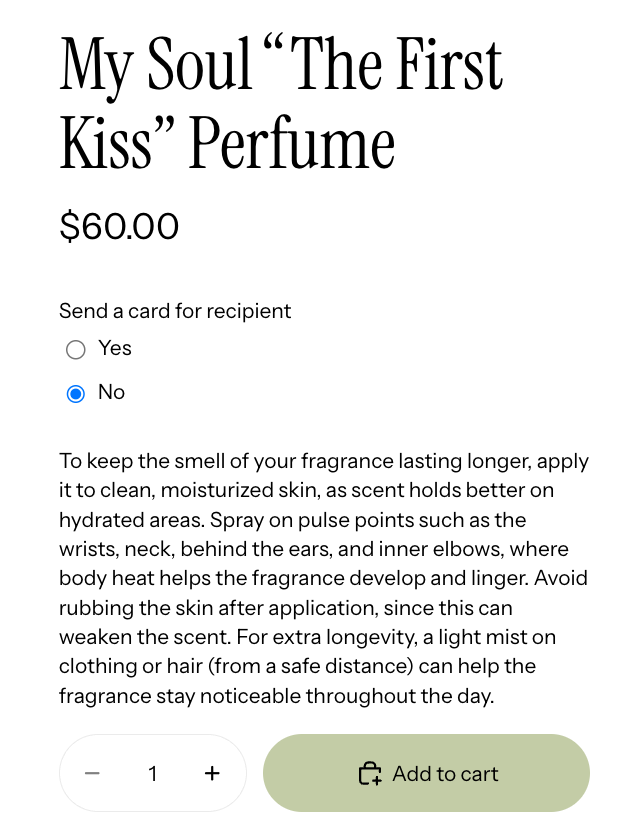
Save changes and preview on the storefront.
When you’re done with these options, let’s check the section to encourage the customers to checkout with your store: Date picker