The Product Filters by Variant & Attribute feature helps Shopify store owners show extra options only when they truly apply.
If your product has many variants (size, scent, type) or attributes already set up, you can now assign EXPO extra options based on those variants or attributes, instead of showing all options to everyone.
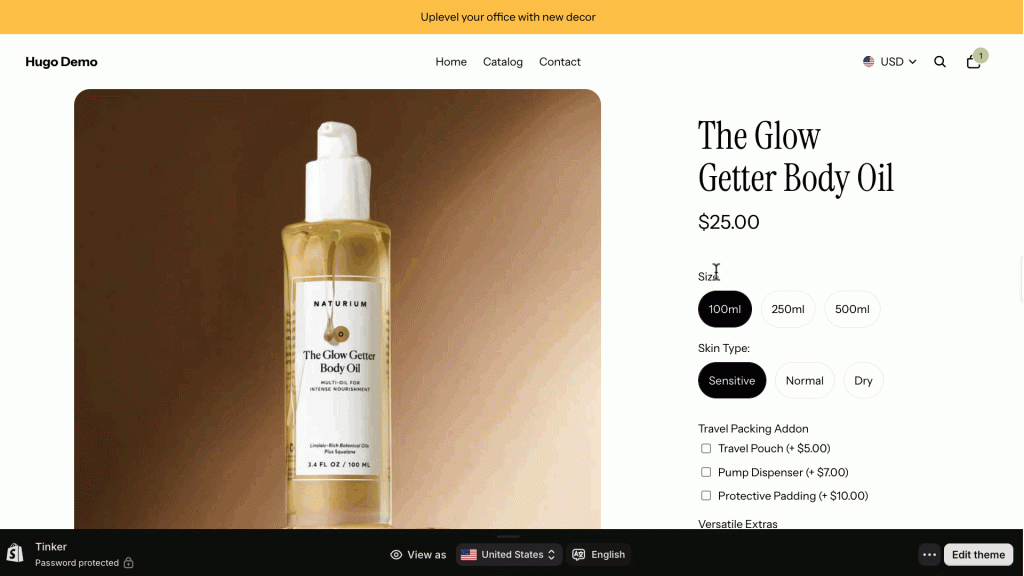
Let’s say you run a body care store selling The Glow Getter Body Oil with multiple variants and attributes.
Product variants:
- Size: 100ml, 250ml, 500ml
- Skin Type: Sensitive, Normal, Dry
How to configure it?
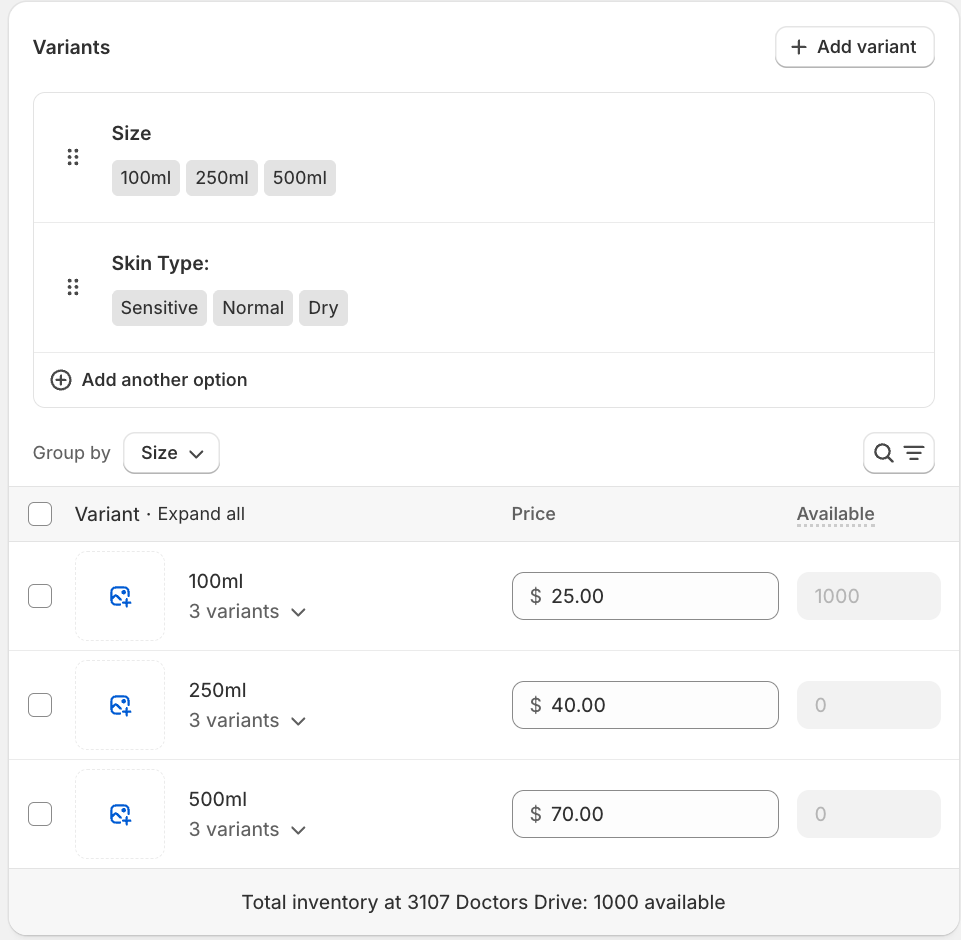
First, you have to add variants to your product, then EXPO will support assigning filter rules by variant & attribute.
When you create a new option with EXPO, you can find the section to filter products on “Choose by condition”. Add a new condition and select the filter type as Variant, as shown in the image below.
Save your settings and check on the frontend.
