The “Vertrag widerrufen” (Revoke Contract) button is a theme extension that must be manually added to your store’s layout.
Here’s how to add it to your theme:
Go to Customize
Go to Shopify Admin > Online Store > Themes > Edit theme.
Or simply click the Add to Theme button on the onboarding steps of the app.
Add Button
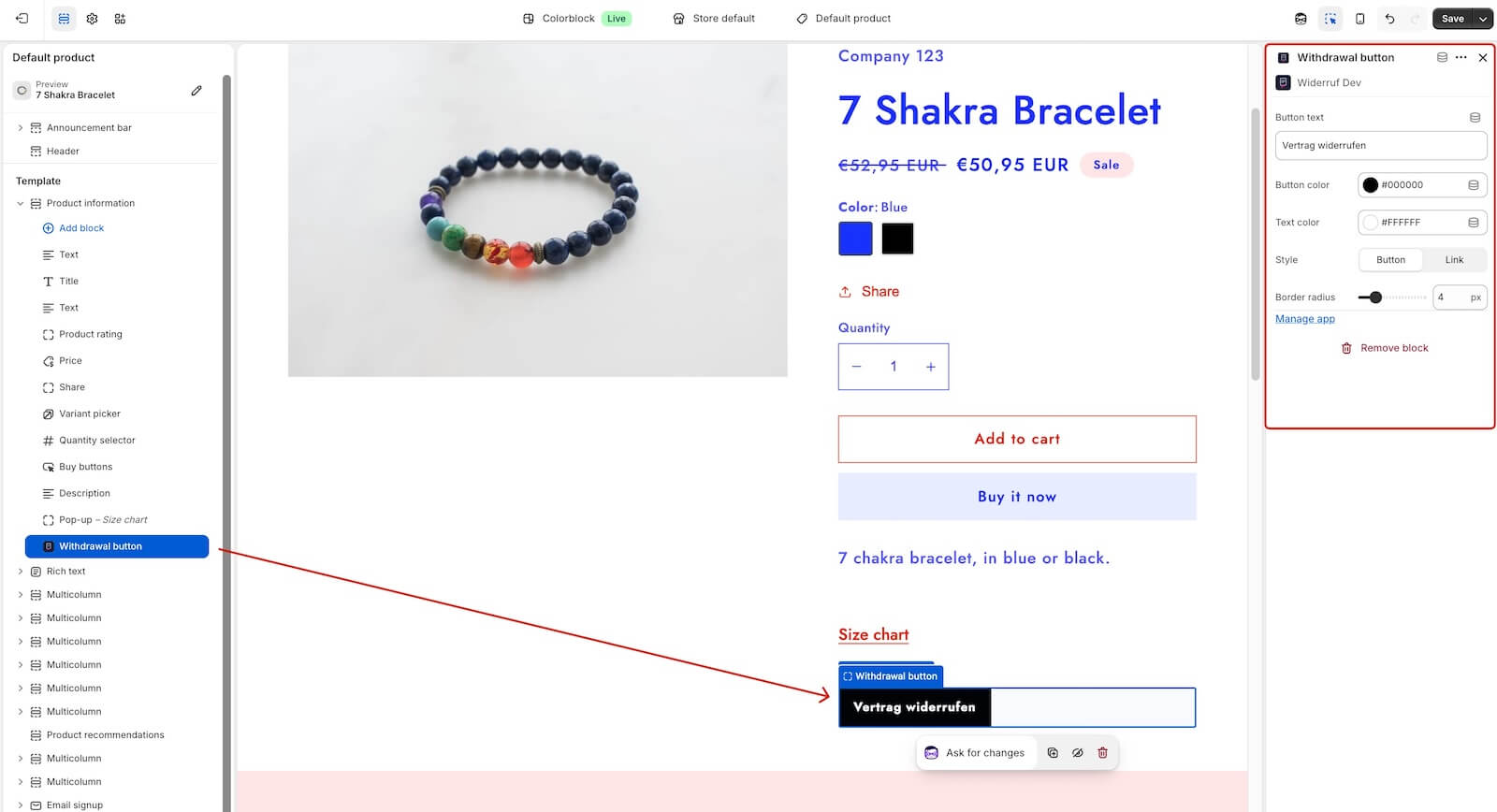
Add the Withdrawal button block to any desired section.
Customize Button (optional)
You can adjust the button’s text, colors, style (solid button or link), and border radius to match your brand.
Click Save
Ensure you save and publish the theme changes, so that the button will appear to your customers.